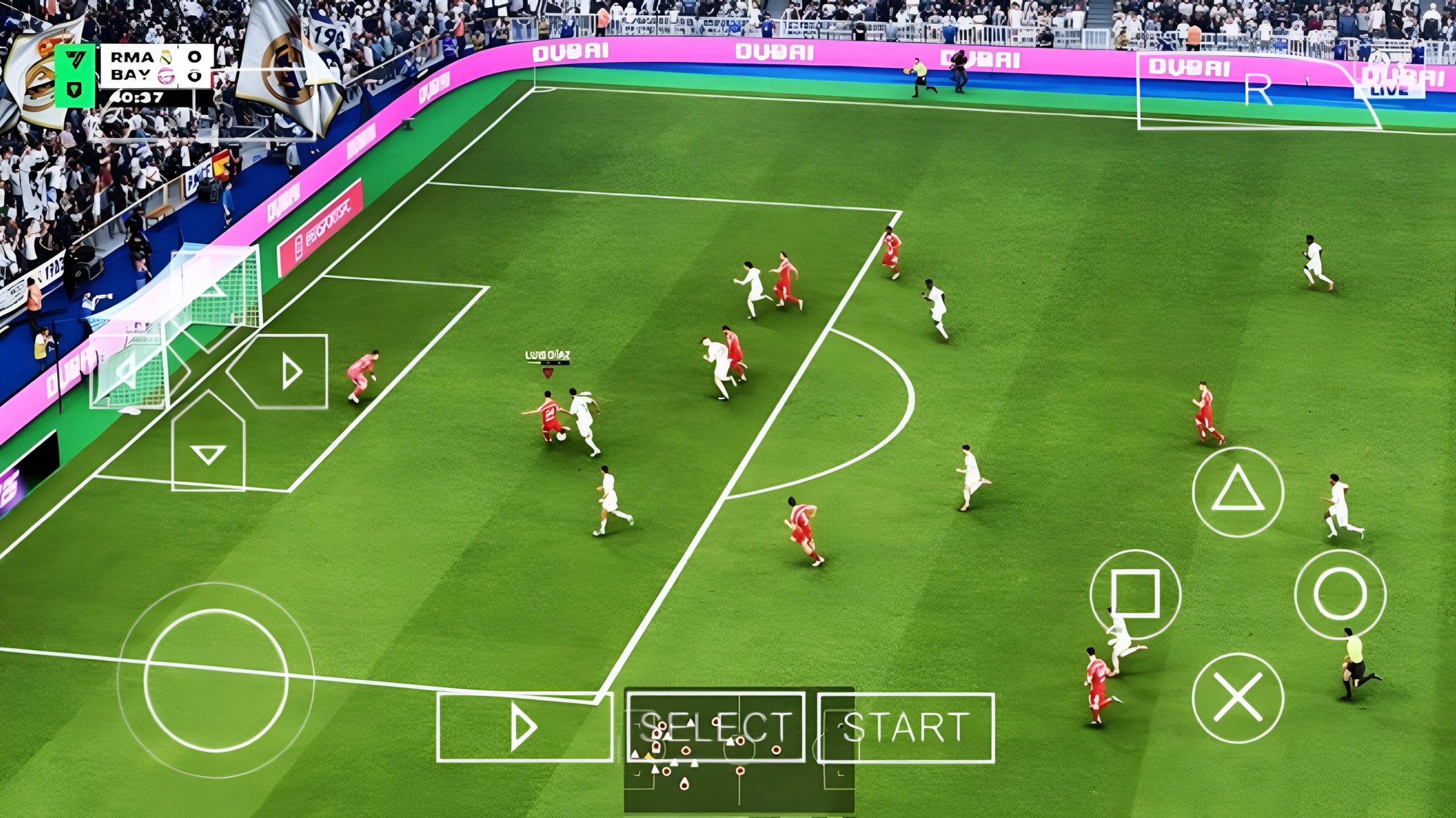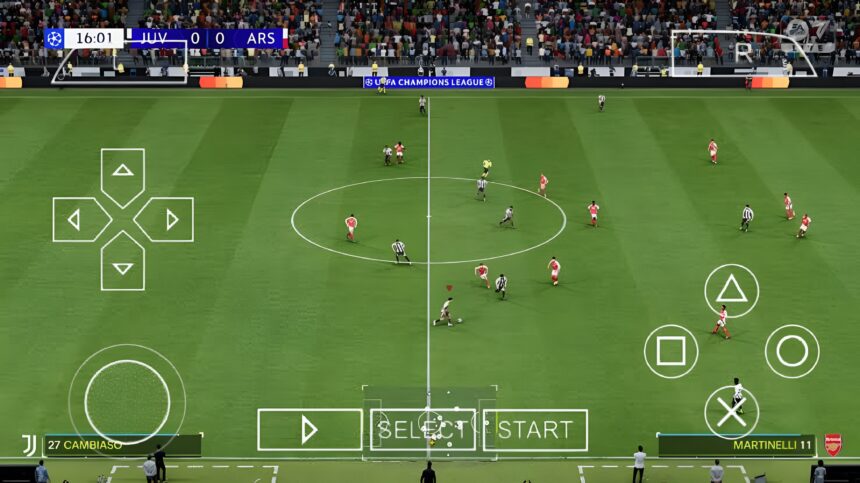
FC 25 PSP ISO File brings updated squads, modern kits, and smooth offline football gameplay on PPSSPP. Lightweight, highly compressed, and easy to run on Android devices.
What FC 25 PSP ISO Offers
FC 25 PSP ISO isn’t an official release. It’s a modded version built on older FIFA PSP titles, usually FIFA 14 at its core. Modders rework almost everything around that base—teams, kits, player stats, menus—to reflect the current football season and branding associated with EA Sports FC 25.
Once loaded into PPSSPP, the game feels familiar but updated. Menus are redesigned to match modern UI styles, player transfers reflect recent seasons, and kits are refreshed across major leagues.
Gameplay remains rooted in the PSP engine. That means smooth controls, responsive passing, and a pace that’s slightly faster than console football games. It doesn’t try to be ultra-realistic, but it delivers consistent and enjoyable matches.
Device Requirements for Mobile Play
One of the biggest advantages of PSP ISO games is accessibility. FC 25 PSP ISO doesn’t demand high-end hardware, but performance still depends on your setup.
A stable experience usually runs on Android 5.0 and above, with at least 2GB RAM, though 3GB is recommended for smoother gameplay. You’ll also need around 700MB to 1.2GB of free storage, a decent processor, and the latest version of the PPSSPP emulator installed.
Lower-end phones can still handle it, but you may need to reduce graphics settings inside PPSSPP for better frame rates.
Core Features and Gameplay Experience
The strength of FC 25 PSP ISO is in how it blends classic gameplay with modern updates.
Updated transfers mean you’re not stuck with outdated squads. Clubs reflect recent lineups, making Career Mode more relevant. Kits and logos are redesigned to match current seasons, and some versions even include improved commentary files and scoreboard overlays.
Visually, textures are sharper than the original PSP version, although still limited by the engine. Animations remain simple, but they’re consistent, which is why gameplay feels smooth even on average devices.
Modes like Career, Tournament, Exhibition, and Become a Pro are usually retained, depending on the mod version.
Advantages and Disadvantages
Advantages
The biggest win is performance. Compared to heavy Android football games, this runs smoothly on mid-range devices without overheating or excessive battery drain.
Offline access is another major plus. No constant data connection is required, making it ideal for uninterrupted play.
File size is manageable. Many versions are released as highly compressed ISO files, which saves storage space without removing core content.
Customization is also strong. Because it’s a PPSSPP mod, settings can be adjusted easily—graphics, controls, camera angles—all tailored to your preference.
Disadvantages
The PSP engine has its limits. Graphics, while improved, won’t match modern console or high-end mobile titles.
Some mods may include bugs—missing textures, incorrect player names, or occasional crashes—depending on how well the build was handled.
Commentary and crowd atmosphere can feel repetitive over time.
Online multiplayer support is limited compared to modern football games.
Game Information
Game Title: FC 25 PSP ISO
Platform: PlayStation Portable (PPSSPP Emulator)
Base Game: FIFA 14 PSP (commonly used)
Category: Football / Sports
Mode: Offline (some versions may support local multiplayer)
File Type: ISO (sometimes CSO compressed format)
Size: Highly compressed versions range between 300MB – 900MB
This falls into the category of highly compressed PSP games, making it ideal for devices with limited storage.
Relevant Low Competition Keywords
fc 25 psp iso highly compressed, fc 25 ppsspp mod download, latest football psp games offline, best ppsspp football games android, fifa 25 psp iso mod, highly compressed football games for android, ppsspp mod apk football games, offline football games like efootball
How to Set Up FC 25 PSP ISO on Android
For PPSSPP ISO Games
First, install the PPSSPP emulator from your app store.
After downloading the ISO file, extract it if it comes in ZIP or RAR format. Move the extracted ISO file into a folder on your internal storage, preferably named “PSP”.
Open PPSSPP, navigate to the folder where the ISO is located, and tap the game to launch.
If the game feels slow, go into PPSSPP settings and adjust rendering resolution, frameskipping, and texture scaling for better performance.
For APK + OBB Games
Install the APK file but do not open it immediately.
Extract the OBB file and move it to Android > OBB, then create a folder matching the game package name if needed.
Once done, launch the game.
For Data File Games
Install the APK file.
Extract the data folder and move it to Android > Data.
Then open the game.
For Other Games Like GTA or eFootball
Most follow the same process: install the APK, extract data or OBB files, place them in the correct directories, and launch the game.
Always ensure files are fully extracted before moving them.
Fixing Common Issues
Black screen on launch usually means the ISO file is corrupted or not properly extracted. Re-extract the file or use a clean version.
Lag during gameplay can be fixed by lowering graphics settings in PPSSPP, especially rendering resolution and texture scaling.
Missing textures or kits often come from incomplete mod files. Make sure all required files are present.
Game crashing randomly may be due to device limitations or incorrect PPSSPP settings. Switching rendering mode can help.
Control issues can be fixed by customizing controls inside PPSSPP settings.
Common Mistakes to Avoid
Placing ISO files in the wrong folder prevents PPSSPP from detecting the game.
Trying to run ISO files without extraction leads to errors.
Using outdated PPSSPP versions can cause compatibility issues.
Ignoring storage space can result in incomplete file transfers.
Maxing out graphics settings on low-end devices often causes lag.
Final Thoughts
FC 25 PSP ISO keeps things simple but effective. It doesn’t chase ultra-realistic graphics or online-heavy features. Instead, it focuses on smooth gameplay, updated football content, and accessibility.
For anyone running PPSSPP, it remains one of the most reliable ways to enjoy a modern football experience without dealing with heavy downloads or constant internet requirements. It proves that solid gameplay and smart modding still hold strong.